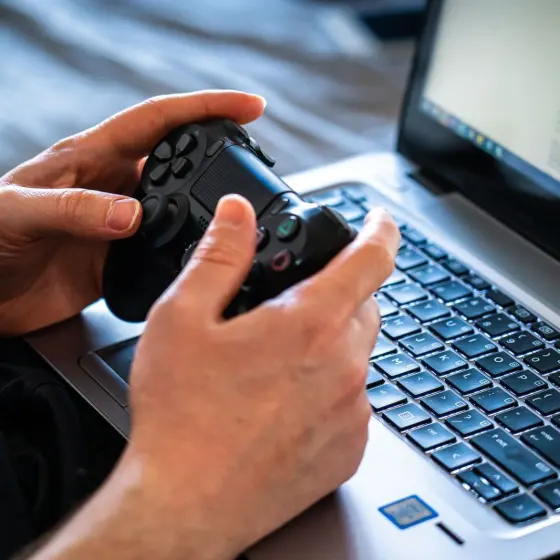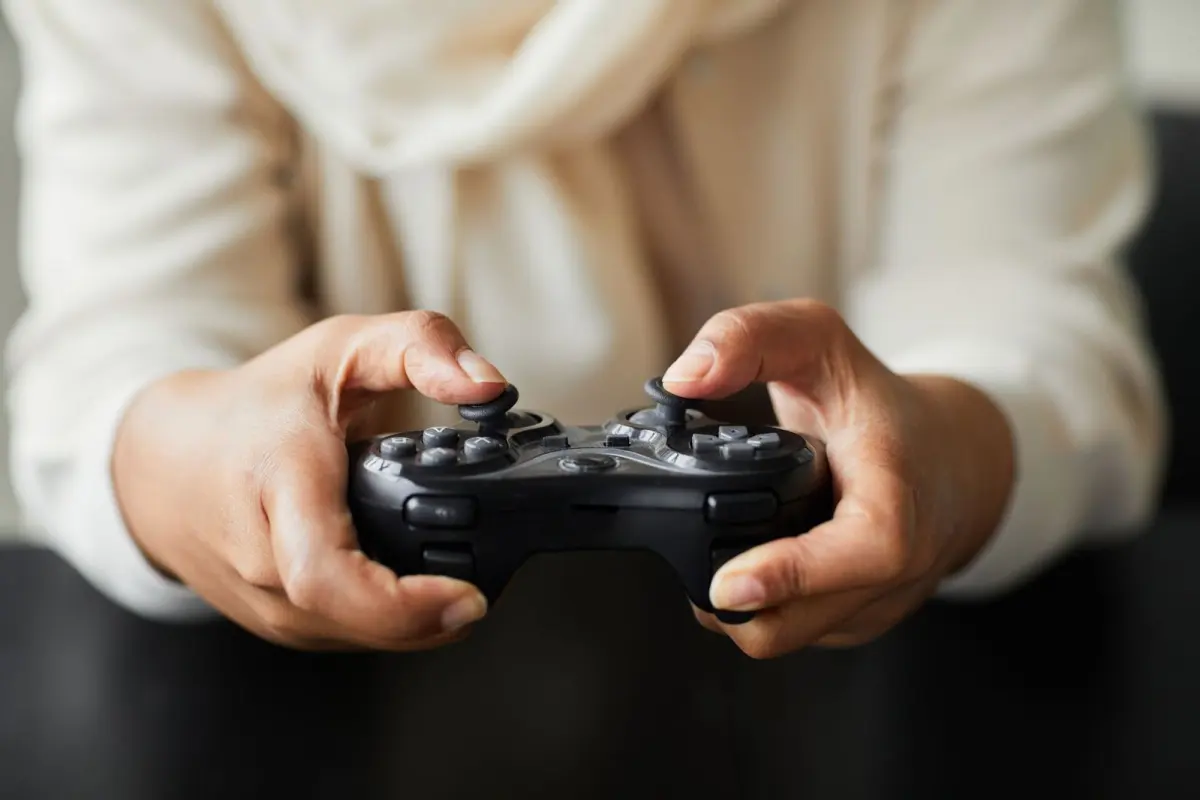
Is your character creeping off by itself? Here is how to clean a game controller safely: power it off, use compressed air around each stick, then a lightly dampened swab, and let it dry fully.
Browse the gaming news and guides for more explainers on pads, displays and setups.
| Item | Value |
|---|---|
| Xbox button hold to power off the controller | 5-10 seconds |
| Compressed air maintenance on an Xbox controller | About once a month |
| External cleaning with isopropyl alcohol | 15 minutes, free |
| Alps potentiometer wear rating | Around 2 million cycles |
| Gaming time before wear may show | Roughly 4-7 months at two hours per day |
| Stick module replacement | 1-2 hrs, $10-$25 in parts |
These figures come from Asurion’s Xbox controller drift guide and reWASD’s stick drift guide. They can change, so check the source before you rely on them.
What cleaning can and cannot fix
Stick drift is when a stick moves things on screen while nobody is touching it. Asurion’s PS5 guide says most drift is just dust, and that if it isn’t, the joystick module is likely worn out (Asurion). Cleaning is the cheap first step, so it makes sense to start there.
Dust is only one possible cause. These are the usual suspects:
- Dust and skin oils that build up around the base of the stick and interfere with its movement.
- Sweat, oils from your hands or old spills that block up the internal mechanisms.
- Food particles, pet fur and dead skin that collect inside the controller.
- Outdated firmware or controller settings, which Asurion lists as a software cause.
Wear is the one cause cleaning cannot undo. reWASD cites iFixit’s 2021 teardown, which found the Alps potentiometers in most modern joystick modules are rated for around 2 million cycles. It estimates that works out to roughly 4-7 months of gaming at two hours per day before wear starts to affect accuracy (reWASD).
Before you clean anything, confirm it really is drift. Move your hands away from the controller, and if the game still moves, you have stick drift (Gfinity). A free browser-based tester will also show the raw stick input in real time.
If it is the picture rather than the stick that feels off, this explainer on what is refresh rate covers the display side.
How to clean a game controller step by step
The routine below works for most pads, and it only touches the outside of the sticks. Keep the liquid to a minimum and the controller switched off throughout.
- Power it down. On an Xbox pad, hold the Xbox button for 5-10 seconds until it turns off (Asurion). Take the batteries out as well, which The Gaming Setup calls important.
- Loosen the debris. Rotate each stick as you spray so the air reaches every side of the base (Gfinity).
- Use compressed air correctly. Press the stick as far as it goes in one direction, then spray into the base on the opposite side. Keep the can level, because tipping it sideways could send moisture into the controller (Asurion).
- Wipe the base. Use a cotton swab very lightly dampened with isopropyl alcohol around the stick (Asurion). Never pour or spray the alcohol onto the controller itself (KontrolFreek).
- Let it dry. Wait until the alcohol has completely dried before you reconnect. The Gaming Setup suggests leaving an Xbox pad overnight just to be safe.
- Test again. Reconnect the pad and check the stick with a game or a browser tester.
Resist the urge to open the shell. Asurion sums it up as “cleaning’s safe; opening it isn’t,” and Gfinity warns that opening a controller is delicate and you can break it if you’re not careful (Asurion, Gfinity).

Controller-specific tips for DualSense, Xbox and Joy-Con
The core routine stays the same, but each pad has its own reset and quirks.
PlayStation DualSense
Turn off the PS5 console, then press and hold the reset button inside the small hole on the back of the controller for 5 seconds with a straightened paperclip or pin (Asurion). Then check for updates under Settings > Accessories > Controllers > Wireless Controller Device Software.
For the sticks, spray compressed air around the base of each one and move it gently in circles. If that is not enough, add a very lightly dampened swab.
Xbox controllers
The routine in the steps above comes from Asurion’s Xbox guidance. Even if the pad works fine, a quick spray with compressed air about once a month helps keep it clean and prolongs its life (Asurion).
Low batteries can also cause odd input, so swap them before you blame the sticks.
Nintendo Joy-Con
A Joy-Con has a rubber skirt over the stick. KontrolFreek’s 2020 guide says to detach the Joy-Con, lift the skirt slightly with tweezers, and push a lightly dampened Q-tip underneath (KontrolFreek).
It then suggests moving the stick in circles for 30 seconds and letting the controller dry for 10 to 15 minutes. After that, open System Settings, then Controllers and Sensors, then Calibrate Control Sticks, and follow the tests. Menu names may differ on newer systems.
What if the drift is still there after cleaning?
Work upward from the cheapest fix. Each step below costs more time or money than the one before it.
- Raise the deadzone in the game. Asurion advises slowly increasing the value until the character or camera stops moving on its own (Asurion). Standard PS5 and Xbox controllers have no system-level setting, so it depends on each game (reWASD).
- Update firmware. Outdated firmware can be behind drift, so run the controller update on your console.
- Check your warranty. As of The Gaming Setup’s page, last updated October 2023, an Xbox controller carries a 1-year warranty (The Gaming Setup). Check the maker’s support page for current terms.
- Replace the stick module. reWASD lists this at 1-2 hrs and $10-$25 in parts, but it needs intermediate soldering skills and desoldering equipment (reWASD).
A deadzone only masks mild drift, so treat it as a workaround rather than a repair. If you do replace a module, reWASD calls a Hall-effect or TMR version the most reliable long-term fix.
The soldering route is not a good first project, and a replacement pad is often easier than a botched repair.
Keeping a controller clean for longer
A little routine maintenance slows the dust problem. These habits help:
- Blow compressed air around the sticks about once a month, as Asurion recommends for Xbox pads.
- Keep food, pet fur and sweaty hands away from the sticks where you can.
- Swap batteries before they run flat, since weak ones can cause inconsistent input.
- Test the sticks now and then so you catch drift early.
If you are planning a new rig to go with a fresh pad, the guide on how to build a gaming pc covers the hardware side. Any controller will wear eventually, but regular cleaning gives it the best chance of lasting.
Frequently asked questions
Can I use rubbing alcohol on a controller?
Show answer
Yes, in small amounts. Put it on a cotton swab or soft cloth rather than the controller, wipe the base of the stick, and wait for it to dry completely.
How often should I clean my controller?
Show answer
Asurion suggests a burst of compressed air about once a month for an Xbox pad, even when it works properly. Clean sooner if the sticks feel sticky or start to drift.
Will cleaning fix stick drift for good?
Show answer
Often, if the wear is mild, according to reWASD, but it is not guaranteed. Worn sensors need a deadzone workaround, a repair or a replacement.
Should I open the controller to clean inside?
Show answer
Only if you accept the risk. Gfinity warns that it is delicate and you can break the controller, so check your warranty first and stick to external cleaning if you are unsure.