Phone dying before dinner? Here’s how to improve smartphone battery life: find the apps draining it, dim the screen, switch on battery saver and charge in short top-ups. Small changes add up.
This guide is part of our collection on mobile phones and gadgets, where you can find more practical phone help.
| Item | Value |
|---|---|
| iPhone Low Power Mode prompt | Appears at 20 percent battery |
| Suggested charging range | 20%-80% |
| iOS battery health counted as good | 80% or above maximum capacity |
| Android battery usage screen | Settings, Battery, then Battery usage |
| Switching off Bluetooth and Wi-Fi | Small difference compared with airplane mode |
These figures come from Popular Science and Back Market’s help centre. They can change as phone software and guidance are updated, so check the source before you rely on them.
Find the apps draining your battery
Both major phone platforms include a battery monitor. On iPhone, open Settings and tap Battery; on Android, tap Battery, then Battery usage, as described in Popular Science’s March 2022 guide. The list shows which apps have used the most power since your phone was last fully charged.
Battery trouble is a common frustration. A 2015 Digital Trends guide said J.D. Power found that poor battery life has the biggest impact on consumer satisfaction, so you are not alone.
Once you know the worst offenders, you have several options:
- Uninstall the app and use the mobile browser instead, since sites like Facebook still work there.
- Open the app’s own settings and stop it checking for updates as often.
- Limit location access. On Android go to Settings, then Location; on iPhone go to Settings, Privacy, then Location Services.
- Stop background activity. On iPhone use Settings, General, then Background App Refresh; on Android use Settings, Apps, pick an app, then Mobile data & Wi-Fi.
- On Android, turn on Adaptive Battery under Settings, Battery, then Adaptive Preferences, so your phone limits power for apps you rarely use.
Location pinging can use up a lot of battery power, and apps with push notifications switched on by default can eat a large amount too. Trim the alerts you do not need and you will also get fewer distractions. Menu names come from a consumer-tech column and the guides above, so they may differ on your software version.
Which screen and sound settings save the most power?
Your display is one of the biggest draws on the battery, so turning down its brightness or switching to dark mode can help. You will find these options under Display in Android Settings and Display & Brightness in iOS Settings, according to Popular Science.
A few more tweaks keep the screen off for longer:
- Shorten the screen lock timer. On iPhone it is Settings, Display & Brightness, then Auto-Lock; on Android it is Display, then Screen timeout.
- Switch off ambient display or raise-to-wake features that light the screen for notifications.
- Turn the volume down or plug in headphones, because audio playback also uses power.
- Let brightness adjust automatically to the light around you.
- Turn off vibration and keyboard sounds, as Back Market’s help centre suggests.
None of these changes asks you to give up features you like. Most people never move away from default settings, even ones they find annoying, so a short settings session is often the cheapest fix.
Use battery saver modes, airplane mode and downloads
Both platforms have a built-in power-saving mode. On iPhone, Low Power Mode sits under Battery in Settings, and a prompt appears when your phone reaches 20 percent battery, as Popular Science notes. It reduces background work such as fetching email and listening for “Hey Siri”.
On recent versions of Android the equivalent is Battery Saver, also under Battery in Settings. Expect some apps to pause features like automatic photo uploads, or to take longer to fetch new messages, while the mode is on.
Airplane mode goes further. Phones tend to work harder to connect when they struggle to find a signal, which drains the battery faster, so switching to airplane mode in dead zones can help. The obvious downside is that you cannot call, text or use the web.
Streaming also costs more than playback. Watching video or listening to music uses a bit of battery, but streaming it from the web uses even more. Downloading shows and playlists before you leave home eases that load.
Charging habits that improve battery life
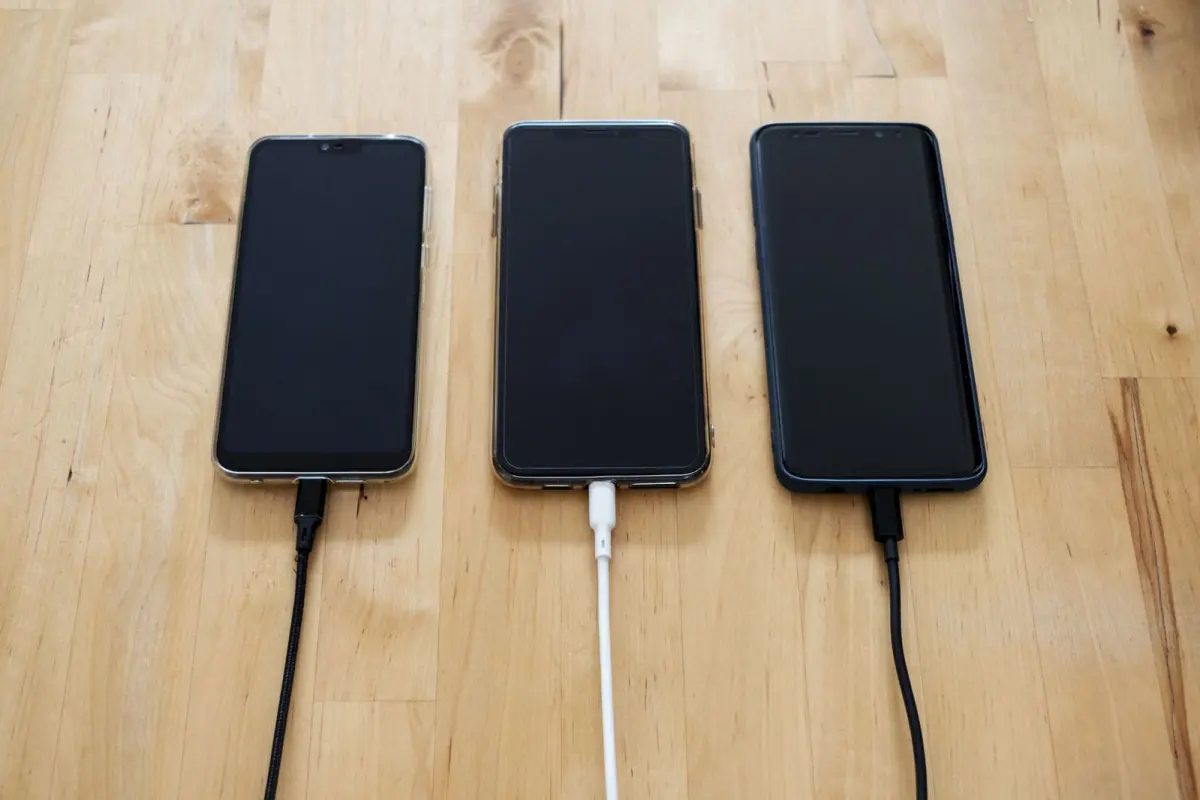
Back Market’s help centre says phone batteries don’t need to be charged to 100% unless absolutely necessary, and advises against letting the battery hit 0% and switch off. It suggests a range of 20%-80%, using small top-ups of 20% at a time through the day. You can read the advice on its help page.
Heat matters too. The same page advises staying away from situations that can overheat your phone, and notes that your battery runs down a lot faster when it’s hot outside, even when you aren’t using it.
On iPhone, check wear under Settings, Battery, then Battery Health. A maximum capacity of 80% or above counts as good health and normal performance, while not all Android devices show this information.
A little housekeeping helps as well:
- Keep your software and apps updated to the latest version.
- Delete apps you no longer use. If you need help deciding what to remove, read how to free up storage on phone.
- Keep the phone out of hot cars and direct sun, especially when it is fully charged.
Battery myths that waste your time
Force-closing apps feels logical, but it tends to backfire. Keeping an app’s data in memory uses such a tiny amount of power that you would never notice the benefit, while reopening a closed app makes the phone reload everything, which costs more. That is the argument in a USA Today column on Yahoo.
Switching off Bluetooth and Wi-Fi is often said to help, yet it doesn’t make much difference, and certainly not as much as full airplane mode. Streaming over Bluetooth does use power, but simply leaving it on in the background is not much of a problem, Popular Science says.
Be careful with anything that promises a battery miracle. The built-in tools above need no extra downloads, so if a message urges you to tap a link to repair your battery, read how to spot scam text messages before you do.
Frequently asked questions
Does closing apps save battery?
Show answer
Usually not. According to a consumer-tech column on Yahoo, reopening a closed app uses more power than leaving it idle in memory.
Should I turn off Bluetooth and Wi-Fi to save power?
Show answer
It makes only a small difference compared with airplane mode, Popular Science says. Airplane mode is more effective, but it cuts you off from calls, texts and the web.
Should I charge my phone to 100%?
Show answer
Back Market’s help centre says not unless absolutely necessary, and suggests keeping the charge between 20%-80% where you can. See its guidance for details.
How do I know if my iPhone battery is worn out?
Show answer
Go to Settings, Battery, then Battery Health and read the maximum capacity. Back Market says 80% or above is good health, and not all Android devices show this information.
Does dark mode help battery life?
Show answer
It can. Popular Science says turning down brightness or switching to dark mode can help, because the display is one of the biggest draws on the battery.